Security
TSA rules for electronics: laptops, power banks, drones, and more
By the TSA Wait Times team · Updated · Published June 2026
At standard TSA security, laptops must come out of your bag and go in a bin — but power banks, drone batteries, and e-cigarettes follow separate rules that catch travelers off guard. This plain-language guide covers every common electronics scenario so you clear the checkpoint on the first pass. Related: the 3-1-1 liquids rule and PreCheck vs. CLEAR vs. Global Entry.
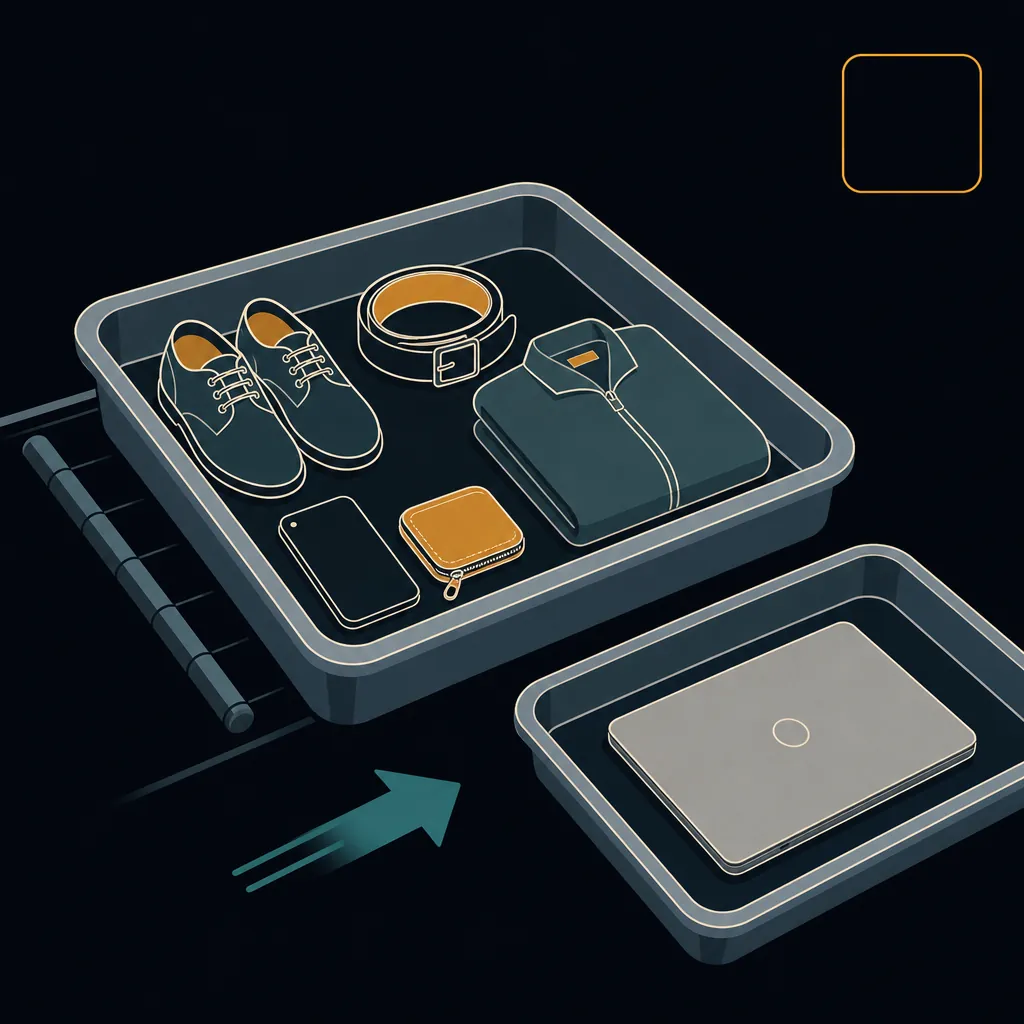
Laptops go in the bin — one exception applies
At every standard TSA checkpoint, laptops and any device of similar size must be removed from your carry-on and placed alone in a dedicated screening bin — not bundled under clothes or a charger. The X-ray operator needs an unobstructed view. TSA PreCheck is the sole exception: enrolled travelers keep laptops bagged throughout. Tablets, e-readers, and handheld game consoles occupy a grey zone — at checkpoints equipped with CT scanners (increasingly common at major airports) they can stay in your bag, but at older X-ray lanes an officer may still ask you to remove them. When uncertain, sliding the laptop into its own bin takes five seconds and prevents a time-consuming re-screen.
- Laptops out of the bag at standard lanes — always.
- TSA PreCheck: laptop stays in bag.
- CT-scanner checkpoints: tablets and e-readers typically stay bagged.
- Traditional X-ray lanes: tablets and e-readers may be asked to come out.
- When in doubt, put the laptop in its own bin to avoid a re-screen.
Power banks and spare lithium batteries: carry-on only, with a hard watt-hour ceiling
Spare lithium batteries — all standalone power banks, external battery packs, and portable chargers — are prohibited from checked baggage with zero exceptions. The FAA rule exists because a lithium fire in a cargo hold is far harder to suppress than one in the cabin, where crew are trained to respond. The FAA enforces three tiers based on watt-hour (Wh) rating printed on the battery label. If your carry-on is gate-checked at the last moment, you must remove every spare battery before handing the bag over and carry them onto the plane. Battery terminals must also be protected from short-circuit — tape over the contacts or keep batteries in their original packaging.
- Batteries installed inside a device (phone, laptop, camera) can go in either carry-on or checked baggage.
- Standalone power banks and spare batteries: carry-on only, no exceptions.
- Gate-check situation: pull all spare batteries out of the bag before it leaves your hands.
- Protect terminals: tape, original packaging, or a battery case prevents dangerous short-circuits.
| Battery Rating | Allowed on plane? | Conditions |
|---|---|---|
| Under 100 Wh | Yes | Carry-on only; no airline approval needed; unlimited quantity (personal use) |
| 101–160 Wh | Yes, with limits | Carry-on only; airline approval required before travel; max 2 spare batteries per passenger |
| Over 160 Wh | No | Prohibited on all passenger aircraft — no exceptions |
Drones: the body flies anywhere, but the batteries are strictly carry-on
TSA explicitly permits drone bodies, frames, cameras, and gimbals in both carry-on and checked baggage — no special restrictions apply to the airframe itself. The batteries are a different story. Drone LiPo batteries are spare lithium batteries under FAA rules and must travel as carry-on only. Most popular consumer drones (DJI Mini series, Mavic Air) use batteries rated well under 100 Wh, so no airline approval is needed — but those batteries cannot under any circumstances go in a checked bag. Large drones (DJI Mavic Pro-class and above) may trigger additional screening at the checkpoint, similar to the laptop inspection. In 2026, American Airlines, Delta, and Southwest all tightened their lithium battery policies following an FAA report logging 97 battery incidents on U.S. aircraft the prior year — always confirm your carrier's current limits before flying. See airline policies for carrier-specific details.
- Drone body: carry-on or checked — no restrictions.
- Spare drone batteries: carry-on only; know your Wh rating.
- Airlines (American, Delta, Southwest) implemented stricter lithium battery policies May 1, 2026 — verify before you fly.
- Larger drones may trigger extra checkpoint screening; be ready to remove the drone from the bag.
Cameras, film, and photography gear: when to request a hand-check
Camera bodies, lenses, and accessories face no special security rules and stay in your bag like any other electronics. The exception is unprocessed photographic film, especially high-speed stock rated ISO 800 and above. TSA's X-ray machines can fog high-speed film, and the risk increases at international last-point-of-departure airports that use higher-powered scanners. CT scanners — now being deployed at more domestic checkpoints — may pose an even greater risk to unprocessed film than older X-ray units. Always request a hand-check for unprocessed film at every checkpoint; TSA officers are required to accommodate the request and will conduct a visual inspection instead. Declare the film before your bag reaches the belt.
- Camera body, lenses, tripods: stay in bag — no bin required.
- Unprocessed film ISO 800 and above: request hand-check at every checkpoint, domestic or international.
- Pre-processed film and digital memory cards: no restrictions.
- Camera spare batteries follow standard lithium battery carry-on rules.
- Declare film out loud before your bag enters the X-ray to make the hand-check request clearly.
E-cigarettes and vapes must travel in the cabin
Electronic cigarettes, vaping devices, and their rechargeable batteries are prohibited from checked baggage — full stop. The combination of a heating element and a lithium battery creates a fire risk that cannot be safely managed in a cargo hold. These devices must go in your carry-on bag or on your person. E-liquid is a liquid and follows the standard 3-1-1 rule: containers of 3.4 oz (100 mL) or less, all in a single quart-sized clear zip bag. Using or charging any vaping device during the flight is prohibited by both TSA and DOT rules regardless of airline.
- Device and batteries: carry-on or on your person only — checked baggage prohibited.
- E-liquid: 3-1-1 rule (3.4 oz / 100 mL max per container, one quart-sized bag).
- Using or charging onboard: prohibited — this is a DOT rule, not just airline policy.
- Airlines can refuse boarding for passengers who pack vaping devices in checked luggage.
Smart watches, phones, earbuds, and small gadgets: leave them where they are
Devices smaller than a tablet do not require separate bin placement at modern checkpoints. Smart watches can stay on your wrist and pass through the body scanner with you; phones can stay in a jacket pocket or bag; wireless earbuds can stay in their case. Kindles and e-readers generally stay bagged at CT-scanner lanes. The only practical tip: if you wear a large, metal-heavy smart watch, removing it before the body scanner takes two seconds and prevents an alarm that would slow everyone down — though TSA does not require it.
- Smart watch: body-scanner safe on the wrist; remove if very bulky to avoid alarm.
- Wireless earbuds and case: stay in bag.
- Smartphone: stay in bag or pocket.
- Kindle / e-reader: stay in bag at CT checkpoints; may be asked to remove at older X-ray lanes.
- None of these items need a bin.
Quick-reference: which electronics come out and which stay in your bag
Use this table as a pre-flight checklist. “Standard lane” means traditional X-ray; “CT / PreCheck lane” means a computed-tomography checkpoint or TSA PreCheck lane. Note that power banks and vaping devices must stay in carry-on regardless of checkpoint type.
| Device | Standard X-ray lane | CT scanner / TSA PreCheck lane |
|---|---|---|
| Laptop | Out of bag, in bin | Stays in bag |
| Tablet / iPad | May be asked to remove | Stays in bag |
| E-reader (Kindle) | May be asked to remove | Stays in bag |
| Smartphone | Stays in bag | Stays in bag |
| Smart watch | Stays on wrist | Stays on wrist |
| Wireless earbuds | Stay in bag | Stay in bag |
| Power bank | Stays in bag (carry-on only — never checked) | Stays in bag (carry-on only — never checked) |
| Drone body | Stays in bag | Stays in bag |
| Camera | Stays in bag | Stays in bag |
| Unprocessed film | Request hand-check | Request hand-check |
| E-cigarette / vape | Stays in bag (carry-on only — never checked) | Stays in bag (carry-on only — never checked) |
Rules verified as of . Sources: TSA Security Screening, What Can I Bring, FAA Lithium Batteries.
Know your electronics rules — now know when to leave
Getting your devices through security is half the battle. The other half is leaving home at the right time. Our Leave-By Time calculator stacks today's live TSA wait at your airport, your drive, and your airline's check-in cutoff into one departure time — so you arrive calm and ready to clear the checkpoint on the first pass.
Get my Leave-By Time →Keep planning
Security
How long does airport security really take?
Most travelers clear standard screening in 15 to 30 minutes — but the hour you pick changes everything.
SecurityWhat you can (and can't) bring through security
Liquids, laptops, snacks, and the things that surprise people — a plain-language packing check before you go.
SecurityCarry-on liquids: the 3-1-1 rule, explained
3.4 ounces, one quart bag, one per traveler — plus the exceptions for medications and baby formula.
SecurityAirport security tips for families with kids
From stroller gate-checks to formula at the X-ray belt — everything parents need to know to move a family through TSA quickly.