WiFi & Charging
Columbus (CMH) Airport WiFi
Free WiFi is available throughout John Glenn Columbus International Airport on the CMH Public Wi-Fi network. Access is Unlimited — Select "CMH Public Wi-Fi" from your device's WiFi list, open a browser, and accept the terms on the landing page to connect — no password required.
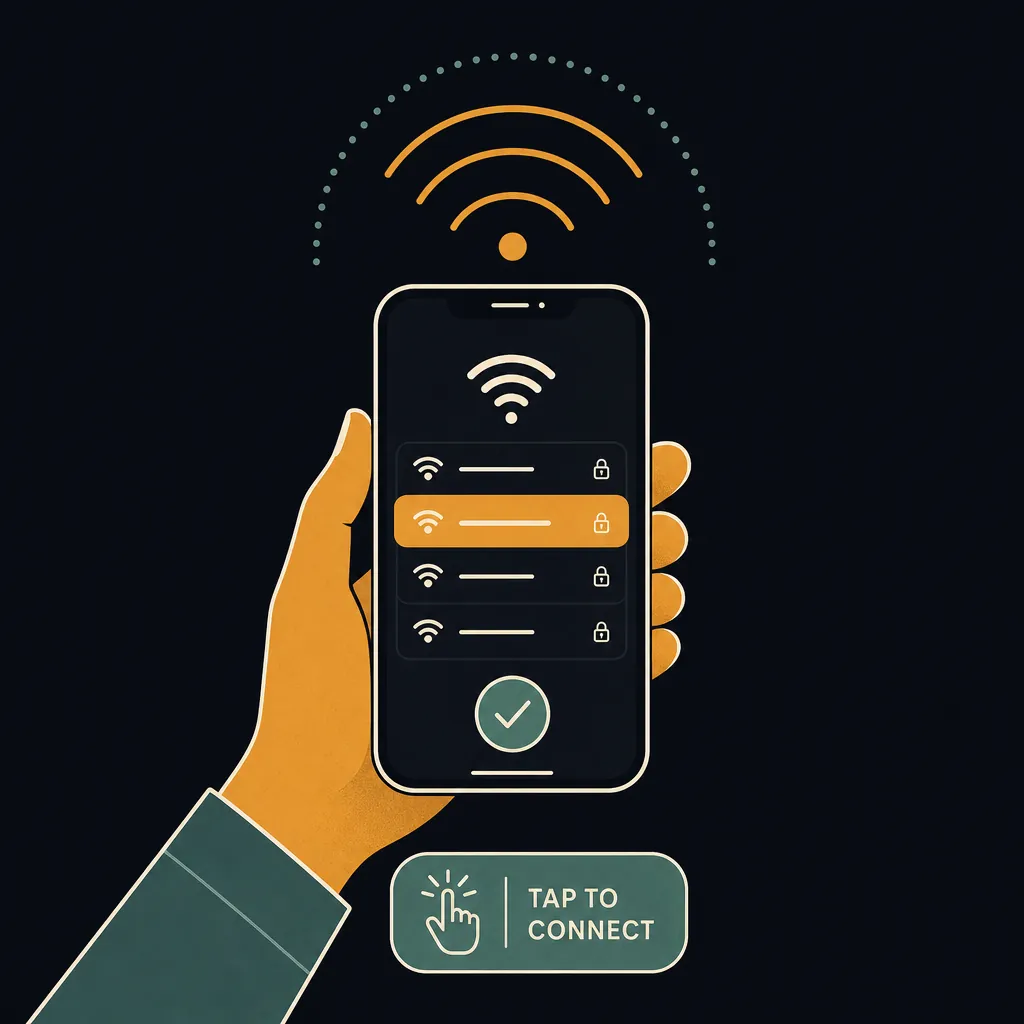
How to connect
- Open WiFi settings on your phone or laptop.
- Select CMH Public Wi-Fi from the list of available networks.
- Open any browser — the airport portal page loads automatically.
- Tap Connect (or Accept Terms) to agree and start browsing.
Speed and coverage
CMH WiFi delivers fast speeds on the CMH Public Wi-Fi network. CMH WiFi delivers fast speeds suitable for video calls, streaming, and large downloads — even during busy travel periods. Coverage extends throughout the terminal areas and concourses — you generally do not need to reconnect as you move through the airport.
Charging stations
Blue-lit "power tower" charging stations are placed throughout the gate areas in all three concourses, in addition to outlets built into much of the gate seating. Most major US airports — including CMH — provide a mix of USB-A, USB-C, and standard 120 V outlets at gate seating. Bring your own cable; cables are not supplied at charging kiosks.
Pro Tip
CMH is regularly cited as having some of the fastest airport WiFi speeds in the US, and because each of the three concourses sits behind its own security checkpoint, the free network works on both the landside (pre-security) and airside (post-security) sides — useful for checking hotel shuttle numbers before you clear the checkpoint.
Frequently asked questions
Is CMH airport WiFi free?
Yes — CMH airport offers free, unlimited WiFi on the CMH Public Wi-Fi network. There is no time limit or paid upgrade required.
What is the WiFi network name at CMH?
The WiFi network at CMH is called "CMH Public Wi-Fi". Select "CMH Public Wi-Fi" from your device's WiFi list, open a browser, and accept the terms on the landing page to connect — no password required.
How fast is CMH airport WiFi?
CMH WiFi delivers fast speeds suitable for video calls, streaming, and large downloads — even during busy travel periods.
Does CMH airport have USB charging stations?
Blue-lit "power tower" charging stations are placed throughout the gate areas in all three concourses, in addition to outlets built into much of the gate seating.
See also: Live CMH TSA wait times · CMH airport maps · CMH security tips
Know exactly when to leave for the airport
The Leave-By Time calculator folds the live CMH TSA wait, real-time drive time from your door, and gate-walk distance into one exact time to leave home — no guesswork.
Calculate my Leave-By Time →