WiFi & Charging
Chicago O'Hare (ORD) Airport WiFi
Free WiFi is available throughout O'Hare International Airport on the ORD Free Wi-Fi network. Access is Unlimited — Select ORD Free Wi-Fi and click Accept on the welcome portal page.
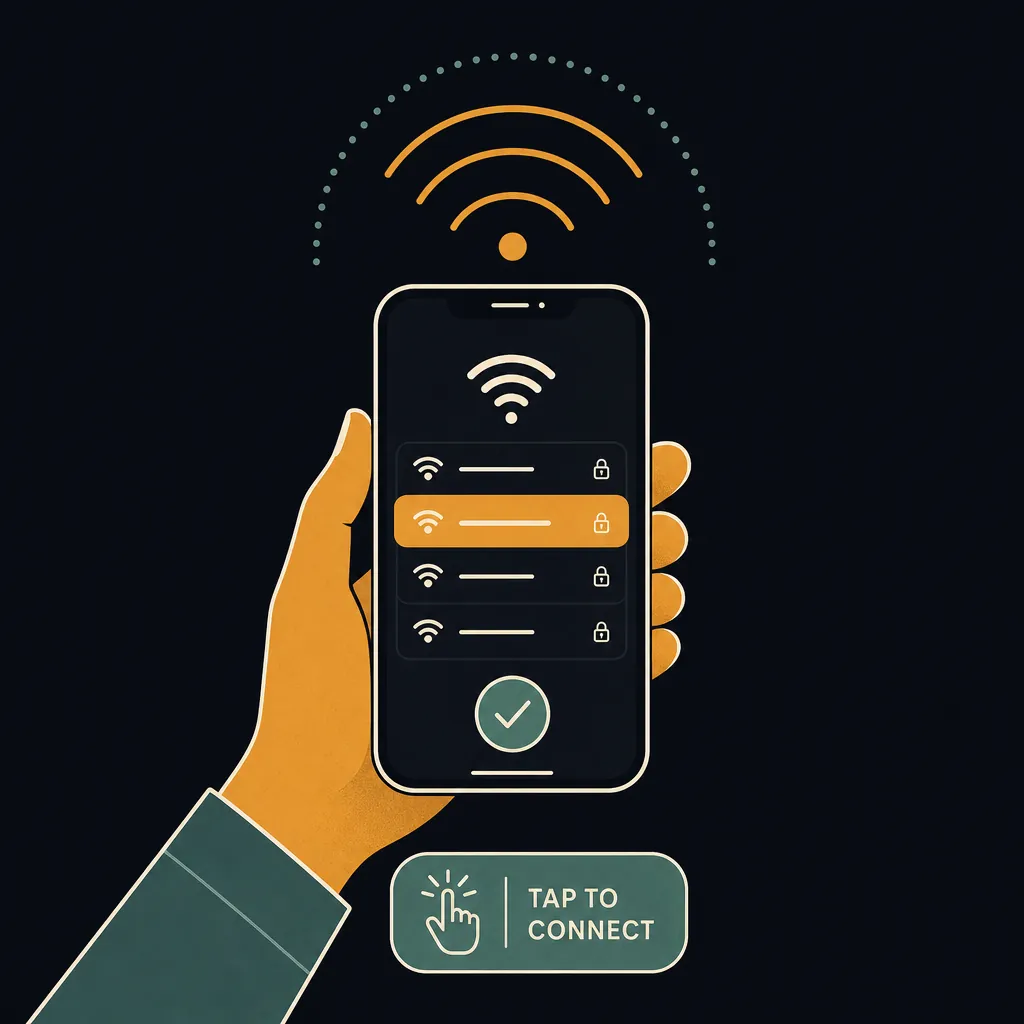
How to connect
- Open WiFi settings on your phone or laptop.
- Select ORD Free Wi-Fi from the list of available networks.
- Open any browser — the airport portal page loads automatically.
- Tap Connect (or Accept Terms) to agree and start browsing.
Speed and coverage
ORD WiFi delivers good speeds on the ORD Free Wi-Fi network. ORD WiFi delivers good speeds for most tasks — browsing, email, video streaming, and light downloads all work reliably. Coverage extends throughout the terminal areas and concourses — you generally do not need to reconnect as you move through the airport.
Charging stations
Charging stations are at gate seating rows in all three main terminals; USB-C outlets were added in T1 and T3 during recent renovations. Most major US airports — including ORD — provide a mix of USB-A, USB-C, and standard 120 V outlets at gate seating. Bring your own cable; cables are not supplied at charging kiosks.
Pro Tip
The ATS automated train connecting Terminals 1–3 to Terminal 5 maintains WiFi coverage — no reconnection needed during the 5-minute ride.
Frequently asked questions
Is ORD airport WiFi free?
Yes — ORD airport offers free, unlimited WiFi on the ORD Free Wi-Fi network. There is no time limit or paid upgrade required.
What is the WiFi network name at ORD?
The WiFi network at ORD is called "ORD Free Wi-Fi". Select ORD Free Wi-Fi and click Accept on the welcome portal page.
How fast is ORD airport WiFi?
ORD WiFi delivers good speeds for most tasks — browsing, email, video streaming, and light downloads all work reliably.
Does ORD airport have USB charging stations?
Charging stations are at gate seating rows in all three main terminals; USB-C outlets were added in T1 and T3 during recent renovations.
See also: Live ORD TSA wait times · ORD airport maps · ORD security tips
Know exactly when to leave for the airport
The Leave-By Time calculator folds the live ORD TSA wait, real-time drive time from your door, and gate-walk distance into one exact time to leave home — no guesswork.
Calculate my Leave-By Time →