WiFi & Charging
Tucson (TUS) Airport WiFi
Free WiFi is available throughout Tucson International Airport on the Fly-Tucson-Free-WiFi network. Access is Unlimited — Select "Fly-Tucson-Free-WiFi" from your device's WiFi list, open a browser, and accept the terms on the landing page to connect — no password required.
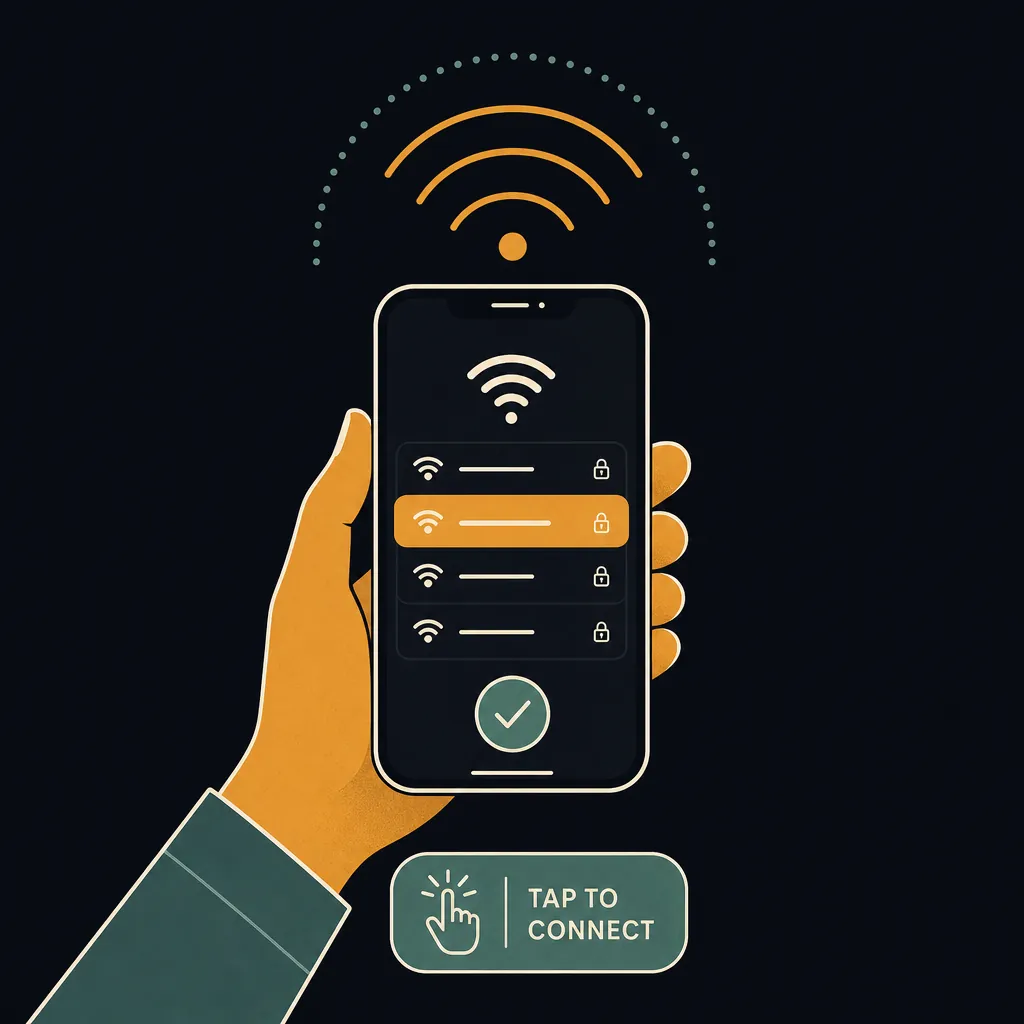
How to connect
- Open WiFi settings on your phone or laptop.
- Select Fly-Tucson-Free-WiFi from the list of available networks.
- Open any browser — the airport portal page loads automatically.
- Tap Connect (or Accept Terms) to agree and start browsing.
Speed and coverage
TUS WiFi delivers good speeds on the Fly-Tucson-Free-WiFi network. TUS WiFi delivers good speeds for most tasks — browsing, email, video streaming, and light downloads all work reliably. Coverage extends throughout the terminal areas and concourses — you generally do not need to reconnect as you move through the airport.
Charging stations
Outlets and USB ports are built into gate-area seating clusters throughout both Concourse A and Concourse B, plus shared counter-style workstations with power outlets in each concourse. Most major US airports — including TUS — provide a mix of USB-A, USB-C, and standard 120 V outlets at gate seating. Bring your own cable; cables are not supplied at charging kiosks.
Pro Tip
TUS is a single small terminal, so the free WiFi signal is consistent everywhere pre- and post-security — including the Military Liaison Office in baggage claim, which also offers free WiFi and charging for military travelers and their families.
Frequently asked questions
Is TUS airport WiFi free?
Yes — TUS airport offers free, unlimited WiFi on the Fly-Tucson-Free-WiFi network. There is no time limit or paid upgrade required.
What is the WiFi network name at TUS?
The WiFi network at TUS is called "Fly-Tucson-Free-WiFi". Select "Fly-Tucson-Free-WiFi" from your device's WiFi list, open a browser, and accept the terms on the landing page to connect — no password required.
How fast is TUS airport WiFi?
TUS WiFi delivers good speeds for most tasks — browsing, email, video streaming, and light downloads all work reliably.
Does TUS airport have USB charging stations?
Outlets and USB ports are built into gate-area seating clusters throughout both Concourse A and Concourse B, plus shared counter-style workstations with power outlets in each concourse.
See also: Live TUS TSA wait times · TUS airport maps · TUS security tips
Know exactly when to leave for the airport
The Leave-By Time calculator folds the live TUS TSA wait, real-time drive time from your door, and gate-walk distance into one exact time to leave home — no guesswork.
Calculate my Leave-By Time →