WiFi & Charging
Myrtle Beach (MYR) Airport Charging Stations
Gate outlet coverage at Myrtle Beach International Airport is most gates equipped with outlets. Charging points are built into gate-area seating (airside) in both concourses. The Concourse A holdrooms rebuilt during the 2024-2025, $93.5 million expansion added new powered seating and counter-top charging tables; older Concourse B gate areas have standard outlet strips. USB-C availability at individual seats is not specified by the airport — bring a standard plug or a USB-A cable to be safe. USB-A and standard outlets are the primary charging options.
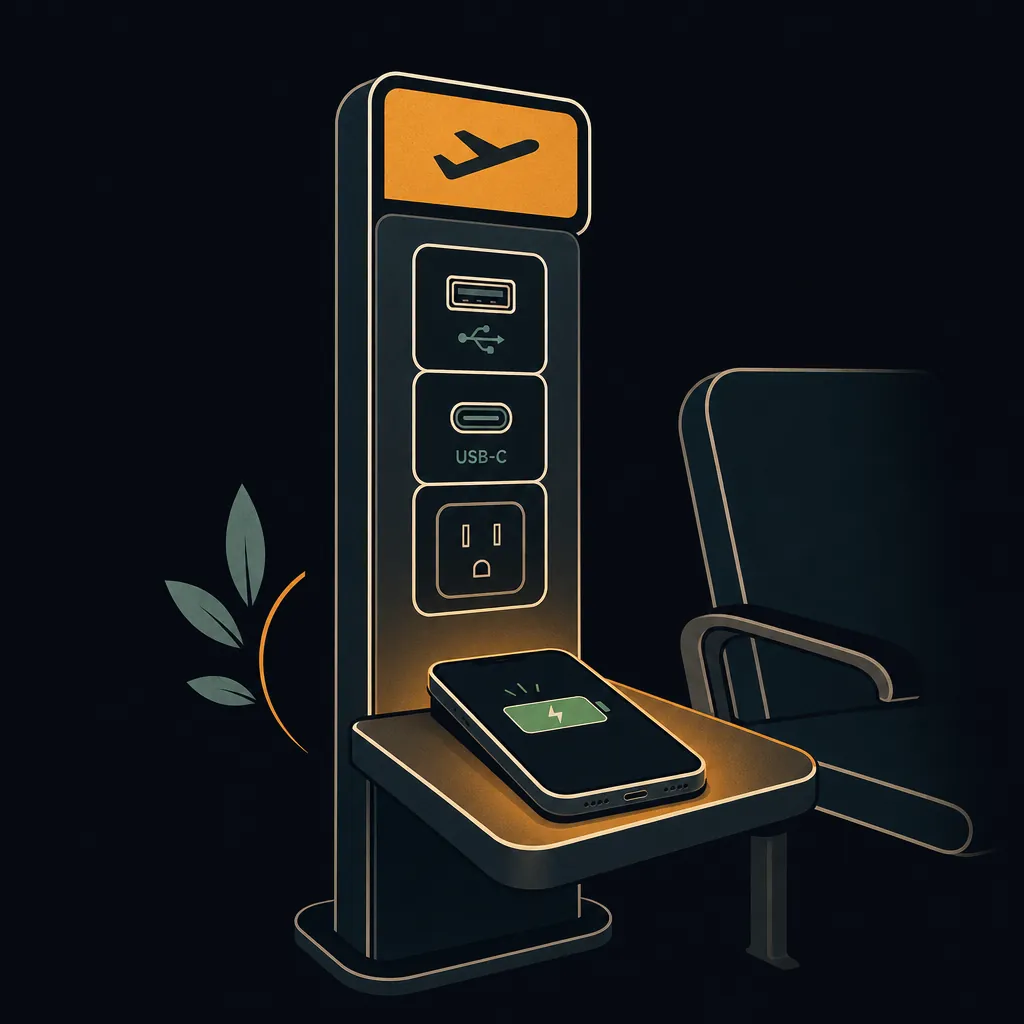
Gate outlet coverage
Outlets at the gate
Charging points are built into gate-area seating (airside) in both concourses. The Concourse A holdrooms rebuilt during the 2024-2025, $93.5 million expansion added new powered seating and counter-top charging tables; older Concourse B gate areas have standard outlet strips. USB-C availability at individual seats is not specified by the airport — bring a standard plug or a USB-A cable to be safe.
Most gatesUSB-A available
Best charging spots
These are the most reliable places to charge at Myrtle Beach International Airport:
- Concourse A holdrooms — newest powered seating and counter-top charging tables from the 2025 expansion
- Second-floor atrium seating between Concourse A and B, near Starbucks
- Landside seating near the information booth and baggage claim (lower level)
Dedicated charging stations
No freestanding charging kiosk towers are advertised; charging is built into gate holdroom seating and counter-top tables rather than separate stations. Landside outlets are also available near the information booth, porter station, and baggage claim.
Bring your own charging cable — dedicated kiosk stations at US airports provide the power outlet but not the cable. USB-A, USB-C, and standard 120 V outlets are the most common configurations.
Pro Tip
MYR is small enough that you're never far from an outlet, but the newest and most reliable charging is in the rebuilt Concourse A holdrooms — if your gate is in the older section of Concourse B, arrive with a topped-up battery just in case.
Frequently asked questions
Does MYR airport have USB-C charging?
USB-C charging ports are not yet widely available at MYR; standard USB-A and outlet charging are the primary options. Charging points are built into gate-area seating (airside) in both concourses. The Concourse A holdrooms rebuilt during the 2024-2025, $93.5 million expansion added new powered seating and counter-top charging tables; older Concourse B gate areas have standard outlet strips. USB-C availability at individual seats is not specified by the airport — bring a standard plug or a USB-A cable to be safe.
Are charging stations free at MYR?
Yes — charging at MYR airport is free. Gate-area outlets, USB hubs, and dedicated charging kiosks throughout the terminal are all available at no cost. Bring your own cable; cables are not provided.
Which terminal has the most charging at MYR?
No freestanding charging kiosk towers are advertised; charging is built into gate holdroom seating and counter-top tables rather than separate stations. Landside outlets are also available near the information booth, porter station, and baggage claim.
Can I charge my laptop at MYR airport?
Yes — MYR has standard 120 V US outlets at gate seating areas and dedicated charging stations, suitable for laptop charging. Charging points are built into gate-area seating (airside) in both concourses. The Concourse A holdrooms rebuilt during the 2024-2025, $93.5 million expansion added new powered seating and counter-top charging tables; older Concourse B gate areas have standard outlet strips. USB-C availability at individual seats is not specified by the airport — bring a standard plug or a USB-A cable to be safe. Bring your own power adapter; most charging stations do not supply cables.
See also: MYRairport WiFi network & tips · Live MYR TSA wait times · MYR security tips
Know exactly when to leave for the airport
The Leave-By Time calculator folds the live MYR TSA wait, real-time drive time from your door, and gate-walk distance into one exact time to leave home — no guesswork.
Calculate my Leave-By Time →