WiFi & Charging
Colorado Springs (COS) Airport WiFi
Free WiFi is available throughout Colorado Springs Airport on the flyCOS network. Access is Unlimited — Select the flyCOS network, disable any active VPN, open a browser, and accept the airport splash page when it appears (open a browser manually if it doesn't pop up automatically).
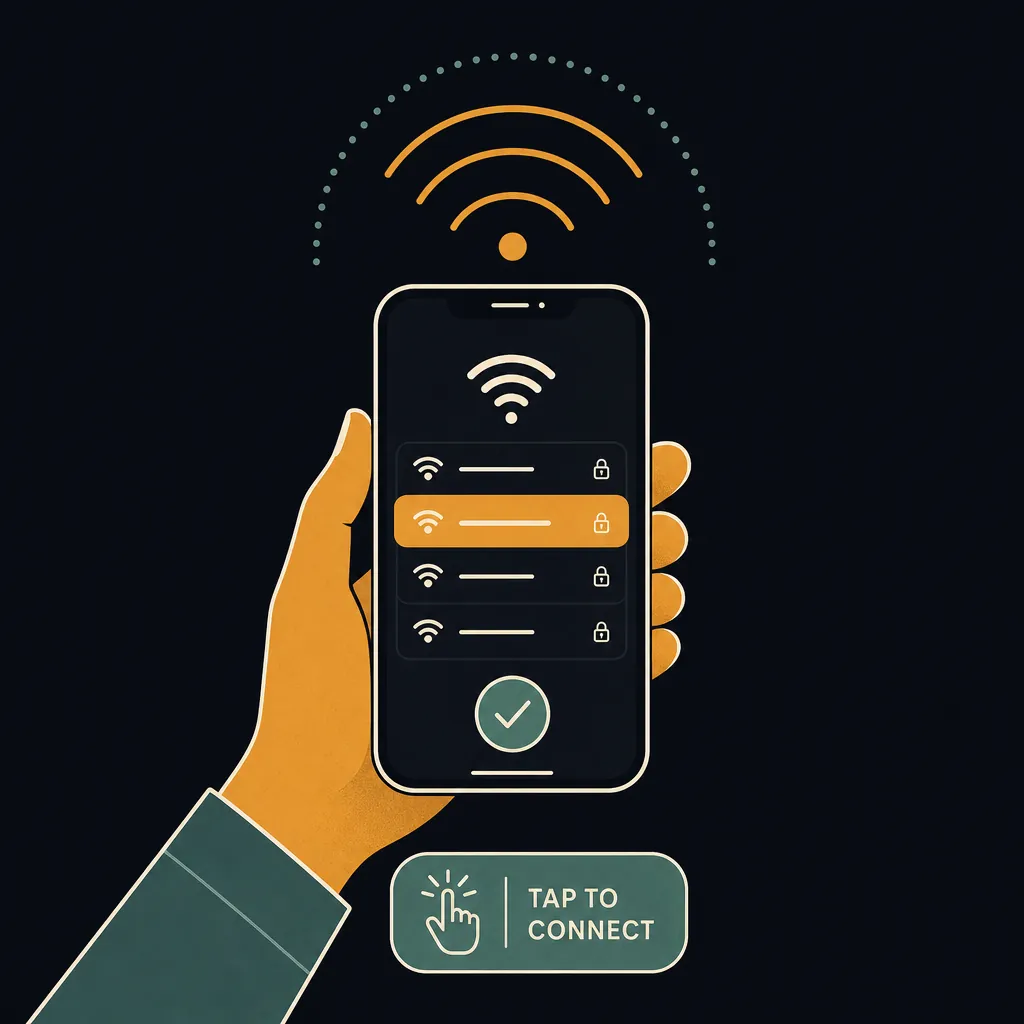
How to connect
- Open WiFi settings on your phone or laptop.
- Select flyCOS from the list of available networks.
- Open any browser — the airport portal page loads automatically.
- Tap Connect (or Accept Terms) to agree and start browsing.
Speed and coverage
COS WiFi delivers good speeds on the flyCOS network. COS WiFi delivers good speeds for most tasks — browsing, email, video streaming, and light downloads all work reliably. Coverage extends throughout the terminal areas and concourses — you generally do not need to reconnect as you move through the airport.
Charging stations
USB-A/AC outlets are built into most gate-area seating throughout the concourse; dedicated mobile charging stations and gadget-charging stands are near the Mountain View Food Court opposite Gate 6. Most major US airports — including COS — provide a mix of USB-A, USB-C, and standard 120 V outlets at gate seating. Bring your own cable; cables are not supplied at charging kiosks.
Pro Tip
COS's compact single-corridor concourse keeps the flyCOS signal consistent gate-to-gate — there's no train, tunnel, or long walkway to lose signal in like at bigger hubs.
Frequently asked questions
Is COS airport WiFi free?
Yes — COS airport offers free, unlimited WiFi on the flyCOS network. There is no time limit or paid upgrade required.
What is the WiFi network name at COS?
The WiFi network at COS is called "flyCOS". Select the flyCOS network, disable any active VPN, open a browser, and accept the airport splash page when it appears (open a browser manually if it doesn't pop up automatically).
How fast is COS airport WiFi?
COS WiFi delivers good speeds for most tasks — browsing, email, video streaming, and light downloads all work reliably.
Does COS airport have USB charging stations?
USB-A/AC outlets are built into most gate-area seating throughout the concourse; dedicated mobile charging stations and gadget-charging stands are near the Mountain View Food Court opposite Gate 6.
See also: Live COS TSA wait times · COS airport maps · COS security tips
Know exactly when to leave for the airport
The Leave-By Time calculator folds the live COS TSA wait, real-time drive time from your door, and gate-walk distance into one exact time to leave home — no guesswork.
Calculate my Leave-By Time →